Crabby Contrast
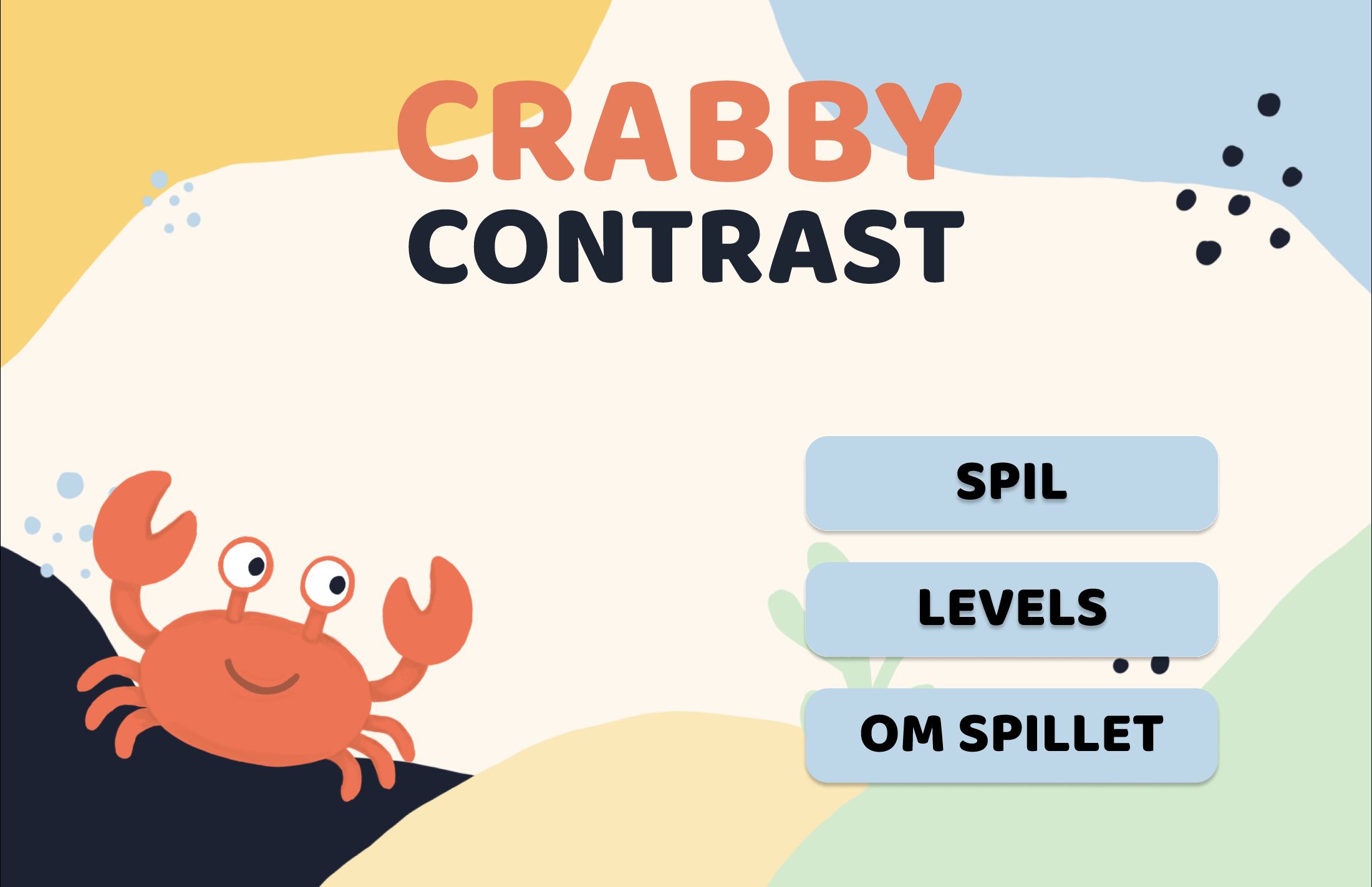
Crabby Contrast is an interactive learning game designed to teach the basics of color contrast through simple explanations and hands-on challenges.
Links
Tools
- Figma
- Photoshop
- HTML
- CSS
- JavaScript
Assignment
The project focused on transforming knowledge gained during the first semester of Multimedia Design into an engaging and interactive digital learning experience. The goal was to make a chosen topic easier to understand by combining visual communication, UI/UX design, and frontend development.
The project encouraged the use of game-inspired elements such as levels, challenges, progression, and feedback to create an educational experience that was both informative and enjoyable for the user.
Educational game · Semester 1 · Individual project
Focus Points
- UI/UX Design — Creating a simple and intuitive game interface.
- Game Design — Designing levels, progression, feedback and interactive challenges.
- Visual Identity — Developing the color palette, typography, illustrations and the Crabby mascot.
- Color Theory & Contrast — Turning color and contrast theory into practical, interactive exercises.
- Accessibility — Focusing on readability, color contrast and WCAG principles.
- HTML & CSS — Building and styling the game interface.
- JavaScript — Creating interactions, quizzes and feedback throughout the game.
- User Testing — Testing and evaluating the usability and clarity of the game and its challenges.
Target Audience
From the brief:
The target audience is new students or beginners in the Multimedia Design programme.
My analysis:
- Primary audience: New Multimedia Design students who want to understand colour contrast from the start of their studies.
- Age: 18–30.
- Genre: Interactive games, educational games and visual learning.
- Style: A colourful, simple visual style with humorous elements and an emphasis on clear feedback.
- Gameplay: Interactive tasks where players learn about colour contrast through small challenges and visual problems.
- Experience with technology: Typically familiar with digital platforms and computers in everyday life.
- Motivation: To learn through practice rather than theory, receive quick and clear feedback, and develop an understanding of UI/UX and accessibility.